Abdelhamid MaaidniAbdelhamid Maaidni
BlogJanuary 15, 2025 · Updated November 2, 2026

8 Best Next.js Hosting Platforms in 2026 (Pricing Compared)

ABDELHAMID MAAIDNI
Best Next.js hosting and deployment platforms compared
Choosing Next.js hosting decides how fast your app loads, how easy it is to ship, and what it costs as traffic grows. Some platforms deploy a Next.js app with zero setup. Others give you a server and full control. I compared the 8 options I see most in client projects, with the starting prices as of November 2026. Short answer: use Vercel for the smoothest Next.js experience, Netlify or Render for a simple alternative, and a DigitalOcean or Hostinger VPS when you want full control at a fixed monthly price.
Platform
Free option
Paid from
Best for
VercelHobby (non-commercial)$20 / user / monthZero-config Next.js
NetlifyFree (300 credits)$9 / monthGit-based workflows
AWS AmplifyAWS free creditsPay as you goApps already on AWS
RenderFree (sleeps when idle)$7 / monthSimple always-on apps
DigitalOceanStatic sites only$4 / month (Droplet)Full server control
FirebaseSpark (static only)Blaze, pay as you goApps using Firebase
HerokuNo$5 / month (Eco)Add-on ecosystem
HostingerNoLow-cost VPS plansBudget VPS
Prices change often. Always confirm on the provider's pricing page before you commit. Overview: Vercel is the company behind Next.js, so every new feature works there first, with no configuration. Features:
  • Zero-configuration deploys from Git, with a preview URL for every pull request.
  • Full support for the App Router, Server Components, ISR, and Cache Components.
  • Serverless and edge functions with automatic scaling.
  • Global CDN and built-in image optimization.
Pricing: The Hobby plan is free but limited to personal, non-commercial projects. Pro is $20 per user per month, plus usage above the included limits. Best for: Developers who want the most seamless Next.js experience and are happy with usage-based billing. Overview: Netlify is a popular platform for static and dynamic sites, with strong Git-based workflows. Features:
  • Continuous deployment from Git, with deploy previews.
  • Serverless and edge functions for dynamic pages.
  • Automatic builds and Next.js support through its adapter.
  • Global CDN, forms, and instant rollbacks.
Pricing: Netlify now uses credit-based plans. Free includes 300 credits a month, Personal is $9 a month, and Pro is $20 a month with unlimited team members. Best for: Teams that want an easy Git workflow and predictable plan prices. Overview: AWS Amplify Hosting deploys full-stack apps on AWS infrastructure. Features:
  • Supports static sites and server-side rendering.
  • Connects easily to other AWS services, like S3, Lambda, and Cognito.
  • Built-in CI/CD from your Git repository.
Pricing: Pay as you go, based on build minutes, data transfer, and requests. Best for: Projects that already use AWS or need its wider cloud services. Overview: Render is a cloud platform focused on simplicity. It runs Next.js as a normal Node.js web service. Features:
  • Automatic deploys from Git.
  • Managed Postgres, Redis-compatible key value stores, and cron jobs.
  • Free SSL and a global CDN for static assets.
Pricing: Free web services sleep after 15 minutes without traffic. An always-on Starter instance is $7 a month, on the free Hobby workspace. Best for: Developers who want a simple, always-on server without managing Linux. Overview: DigitalOcean gives you two options: Droplets (virtual servers you manage) and App Platform (managed deploys from Git). Features:
  • Droplets with root access, so you can run Next.js with Node.js, PM2, or Docker.
  • App Platform builds and deploys from Git, with SSL included.
  • Managed databases and Kubernetes when you grow.
Pricing: Droplets start at $4 a month and are billed per second. App Platform web services start at $5 a month, and static sites are free. Best for: Developers who want control over their infrastructure at a fixed price. Overview: Firebase App Hosting is Google's managed hosting for full-stack frameworks like Next.js. The classic Firebase Hosting product is for static sites. Features:
  • Git-based deploys with server-side rendering and ISR.
  • Runs on Cloud Run, behind Google's CDN.
  • Tight integration with Firestore, Authentication, and other Firebase services.
Pricing: App Hosting needs the Blaze (pay-as-you-go) plan. The free Spark plan only covers static hosting. Best for: Apps that already use Firebase for data and authentication. Overview: Heroku is one of the original platforms for deploying apps with a simple git push. Features:
  • Easy deployment from Git.
  • A large marketplace of add-ons for databases, caching, and monitoring.
  • Supports many languages and frameworks.
Pricing: Heroku has had no free tier since November 2022. Eco dynos are $5 a month for a shared pool of hours, and they sleep after 30 minutes of inactivity. Always-on Basic dynos are $7 a month each. Best for: Teams that value Heroku's add-ons and simple workflow over raw price. Overview: Hostinger is known for low prices. For Next.js, its VPS plans are the useful option. Features:
  • Shared hosting works for static exports. Set output: "export" in next.config and upload the out folder.
  • VPS plans run full Next.js with server-side rendering.
  • Fast SSD storage and optional Cloudflare CDN integration.
Pricing: Shared hosting and VPS plans cost a few dollars a month, with the lowest prices on longer contracts. Check renewal prices too. Best for: Budget projects, static sites, or developers comfortable managing a VPS.
  • You want the easiest path: Vercel. Push to Git and it works.
  • It's a commercial project on a budget: Netlify Personal, Render Starter, or a DigitalOcean Droplet.
  • You need a database next to your app: Render, DigitalOcean, or Heroku.
  • You're already on AWS or Firebase: Amplify or Firebase App Hosting.
  • You want full control: a VPS on DigitalOcean or Hostinger, with Node.js or Docker.
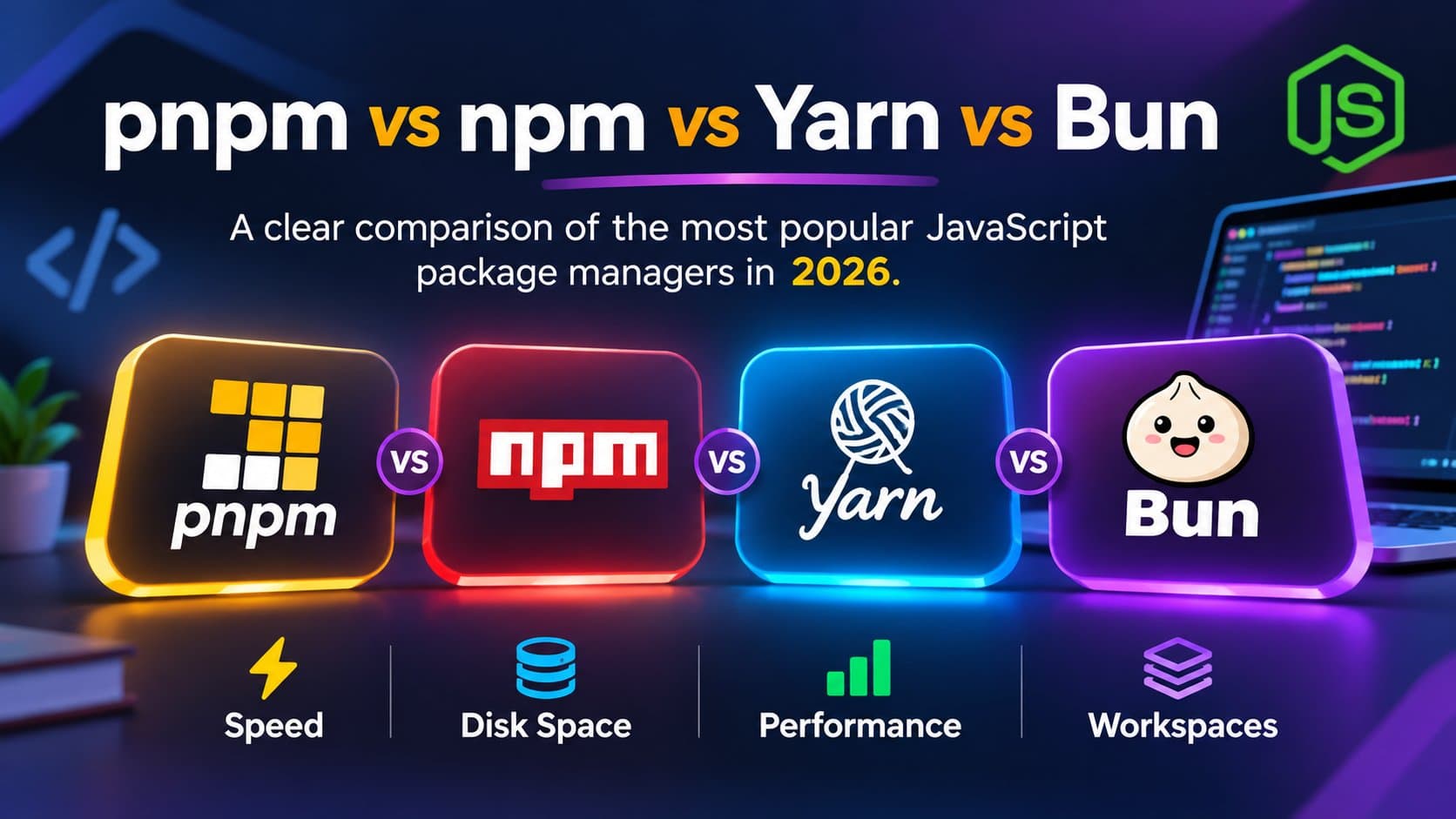
Before you deploy, make sure the app builds cleanly with the latest version. See what's new in Next.js 16, and pick a fast package manager with pnpm vs npm vs Yarn vs Bun. Vercel is still the top choice for hosting Next.js, because it is built by the same team and needs no setup. Netlify, Render, and AWS Amplify are strong managed alternatives. DigitalOcean, Heroku, and Hostinger give you more control and a fixed price. Weigh three things: how much setup you can do, whether the project is commercial, and how your bill grows with traffic. Then pick the platform that fits. Vercel, because it is made by the Next.js team and supports every feature with zero configuration. Netlify and Render are good alternatives. Yes, for personal projects. Vercel Hobby, Netlify Free, and Render Free all work. Vercel Hobby does not allow commercial use, and Render's free services sleep when idle. No. Heroku removed its free plans in November 2022. The cheapest option is the $5 Eco dyno plan. Only as a static export, with output: "export" in next.config. Server-side rendering, API routes, and ISR need a Node.js server, such as a VPS. No. Next.js is open source and runs anywhere Node.js runs, including Docker containers and any VPS.