Abdelhamid MaaidniAbdelhamid Maaidni
BlogOctober 20, 2026 · Updated November 2, 2026

pnpm vs npm vs Yarn vs Bun: Which One to Use in 2026

ABDELHAMID MAAIDNI
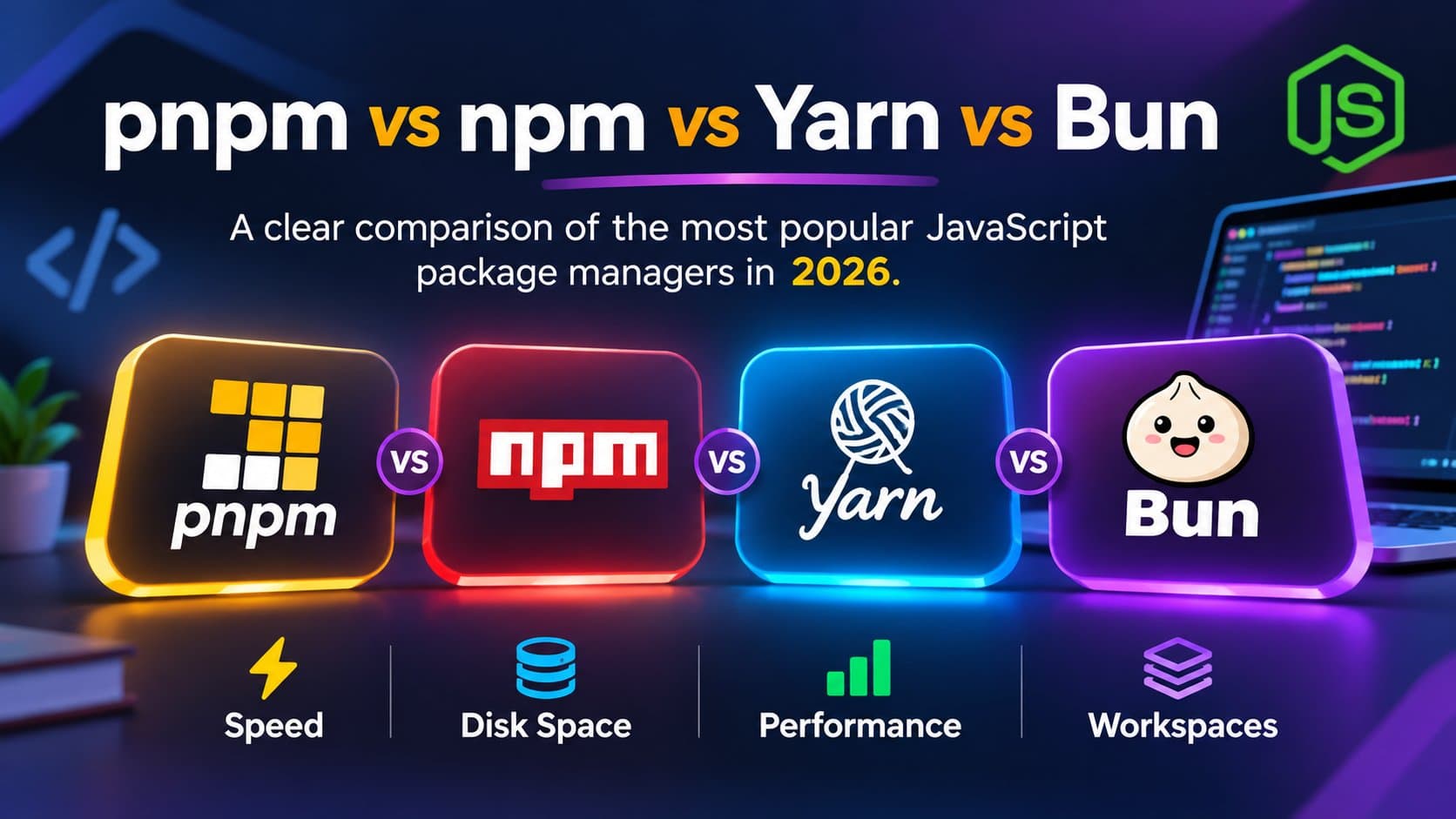
pnpm vs npm vs Yarn vs Bun: JavaScript package managers compared on speed, disk space, performance and workspaces
pnpm vs npm vs Yarn vs Bun is one of the first choices you make on a new JavaScript project. All four install the same packages from the same registry, but they differ in speed, disk usage, strictness and how well they handle monorepos. Here is the short answer:
  • Bun is the fastest installer.
  • pnpm uses the least disk space and is the best fit for monorepos.
  • npm is the safest default, because it ships with Node.js.
  • Yarn 4 is a good choice if your repo already uses it.
The rest of this guide shows the numbers, how each one works, and when to pick which.
npm
Yarn 4
pnpm
Bun
Cold install (my test)~45 s~30 s~20 s~8 s
Disk usageCopy per projectZip cache (PnP)One global store, linkedCopy per project
Strict dependenciesNoYes (PnP)YesNo
Workspaces / monoreposBasicGoodExcellentGood
Lockfilepackage-lock.jsonyarn.lockpnpm-lock.yamlbun.lock
Installed with Node.jsYesVia CorepackVia CorepackNo (own runtime)
I tested all four on the same Next.js project, about 100 dependencies. These are cold installs, so nothing was cached yet:
  • npm: about 45 seconds
  • Yarn: about 30 seconds
  • pnpm: about 20 seconds
  • Bun: about 8 seconds
Your numbers will change with the machine and the lockfile, but the pattern holds. Bun is the fastest, pnpm is close behind, Yarn is decent, and npm is the slow one. That speed is why people ask about the acquisition. In December 2025, Anthropic — the company behind Claude — acquired Bun. So they bought a package manager? No. The installer is only one part of Bun. It is a JavaScript runtime that also bundles code and runs tests. Claude Code ships as a Bun executable, which means the product already runs on Bun. Anthropic bought the runtime underneath their coding tool, not a faster npm install. Bun stays open source. Every JavaScript project needs a package manager. npm ships with Node.js, so most people start there. Yarn, pnpm, and Bun do the same job — install dependencies and run scripts — but they store files differently and feel different day to day. There is no single winner. A tool that feels great on a small app can be a poor fit for a large monorepo, and the other way around.
  • Small apps and scripts: Bun is the fastest to install, if the project does not depend on a tool that only works with npm.
  • Monorepos and shared code: pnpm is the steady choice. It uses less disk space and its workspaces are clear.
  • Teams that want the default: npm. It is already installed with Node, and almost every tutorial assumes it.
  • Projects already on Yarn: stay on Yarn 4 unless you have a reason to move. Switching package managers is work.
npm is the default. If you install Node, you get npm. package.json and the node_modules folder are the model the rest of the ecosystem copied. That compatibility is the point. CI images, hosting panels, and older libraries expect npm. Installs are slower than the others, and each project keeps its own copy of every package, so disk use adds up when you have many repos. For a normal app, that rarely matters. Use npm when you want the fewest surprises, or when you are joining a codebase that already uses it. Yarn started as a faster alternative to npm, with a lockfile and the same node_modules layout. That older release is Yarn Classic. Yarn 4 (Berry) is a different tool. It can skip node_modules and use Plug'n'Play, where packages are stored in a zip cache and resolved from a map. Installs get smaller and more repeatable. Some libraries still assume they can walk node_modules, so Plug'n'Play needs a compatibility setting on those projects. Yarn also has a plugin system if you want to extend the CLI. Use Yarn when the repo is already on it, or when you want Plug'n'Play and you can spend a little time on the packages that are not ready for it. pnpm keeps one copy of each package version on your machine, in a global store. Projects then link to that store instead of downloading the same files again. A second project that needs the same React version barely uses any extra disk. Inside a project, pnpm is stricter than npm. A package can only import what it declared. That catches "it works because some other package happened to install it" bugs early. Workspaces are a natural fit: many apps and packages in one repo, with shared dependencies linked instead of copied. That is why pnpm shows up so often in monorepos. Use pnpm when you have more than one project on the same machine, or when you want installs that stay fast as the repo grows. Bun is a JavaScript runtime, and it includes its own package manager. Installs are very fast because the runtime, the bundler, and the installer are one program. The commands are familiar: you still have a package.json and a lockfile, and you still get a node_modules folder. Most npm packages install fine. The gaps show up with native addons, postinstall scripts, or tools that call the npm CLI by name. Use Bun for new apps and scripts where you control the stack. Check it in CI before you switch a large existing app. The everyday commands map almost one to one:
Task
npm
Yarn
pnpm
Bun
Install allnpm installyarnpnpm installbun install
Add a packagenpm install reactyarn add reactpnpm add reactbun add react
Add a dev packagenpm install -D vitestyarn add -D vitestpnpm add -D vitestbun add -d vitest
Remove a packagenpm uninstall reactyarn remove reactpnpm remove reactbun remove react
Run a scriptnpm run devyarn devpnpm devbun run dev
Run a CLI oncenpx create-next-appyarn dlx create-next-apppnpm dlx create-next-appbunx create-next-app
The lockfile is the important file in all four. Commit it. That is what makes the next install match the last one. Disk and speed come from how packages are stored:
  • npm and Yarn Classic copy packages into each project.
  • pnpm stores each version once and links it.
  • Yarn Plug'n'Play avoids the node_modules tree.
  • Bun does a normal node_modules install, just faster.

Scripts in package.json work the same way everywhere. dev, build, and test do not care which manager ran them. Pick the manager, delete node_modules, remove the old lockfile, and install again. Commit the new lockfile to git. If a dependency only works with npm, you will find out on that fresh install, not in production. You do not need to migrate a project that already installs cleanly. The gain is real on big repos and on machines full of Node projects. On a single small app, npm is enough. Starting a new Next.js app? See everything new in Next.js 16, and when it is ready to ship, compare the best Next.js hosting platforms. Yes. In my test on a Next.js project with about 100 dependencies, pnpm finished a cold install in about 20 seconds and npm in about 45 seconds. pnpm is even faster on later installs because packages are already in its global store. For installs, yes. Bun was the fastest of the four in my test, at about 8 seconds. pnpm still wins on disk space and on strict, well-organized monorepos. pnpm. Its workspaces link shared dependencies instead of copying them, and its strict mode stops packages from importing things they did not declare. Yes. Delete node_modules and package-lock.json, run pnpm install or bun install, and commit the new lockfile. Test the build and CI once before you merge. If your project already uses Yarn 4, there is no need to move. For a new project, pnpm or Bun is usually the simpler choice.